Computer Hardware Services

This service tier focuses on the physical components of the machine—the parts you can actually touch. 1-Diagnostic & Repair: Troubleshooting physical failures like a "Blue Screen of Death" caused by hardware or a clicking hard drive. 2-Upgrades: Installing more RAM, switching a mechanical HDD to a fast SSD, or upgrading a GPU for better graphics. 3-Maintenance: Internal cleaning (dust removal), reapplying thermal paste to the CPU, and checking fan health. 4-Custom Builds: Selecting and assembling parts for a bespoke workstation or gaming rig. 5-Peripheral Support: Setting up printers, external monitors, and docking stations.
eyepoint 1
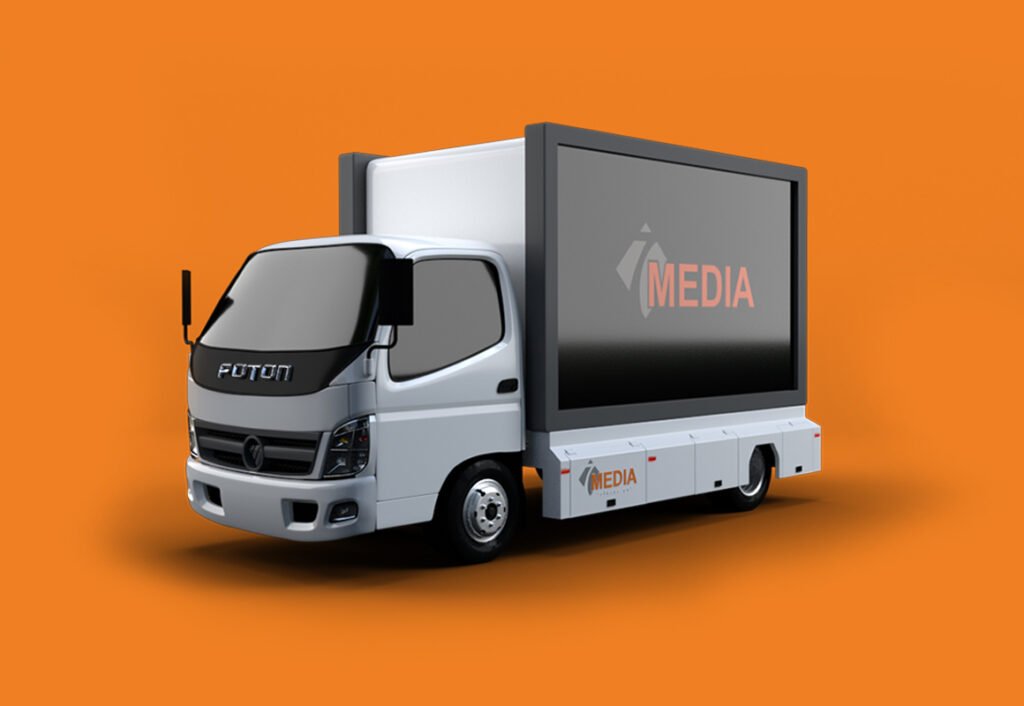
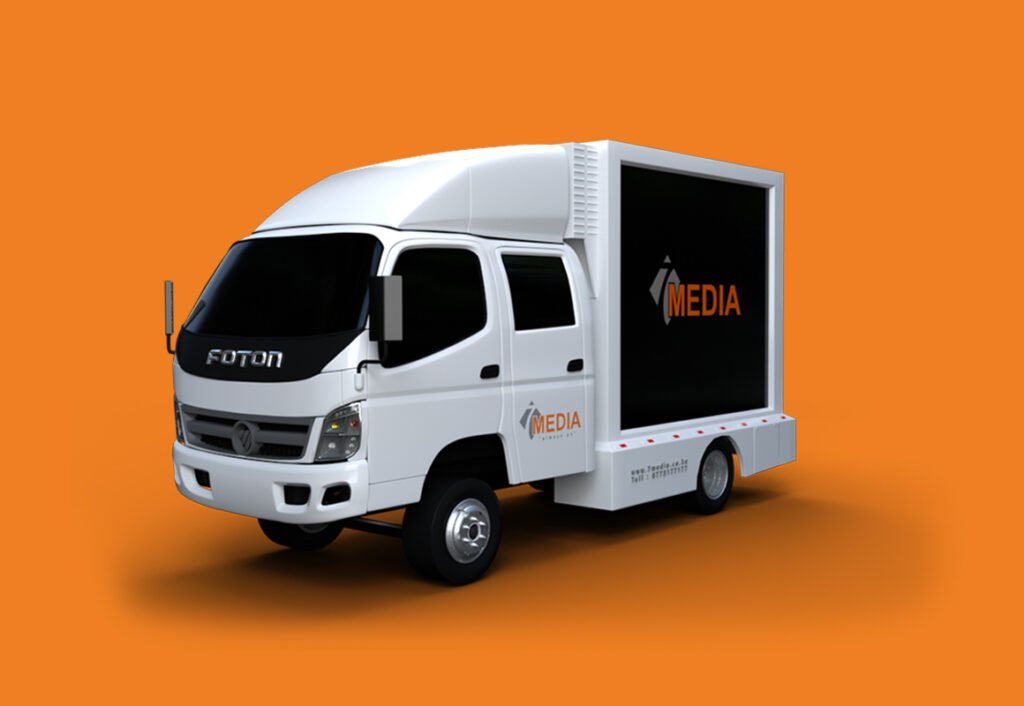
led truck 2

Computer Software Services

This service tier focuses on the logic, data, and applications that run on the hardware. 1-OS Management: Installation, re-installation, and optimization of Windows, macOS, or Linux. 2-Virus & Malware Removal: Deep cleaning systems of spyware, ransomware, and bloatware. 3-Application Setup: Installing professional suites (Microsoft 365, Adobe Creative Cloud) and ensuring license compliance. 4-Data Recovery & Backup: Retrieving lost files from a corrupted OS or setting up automated cloud/local backups. 5-Driver Updates: Ensuring the software "bridge" between the OS and hardware is current and stable.

Network & Connectivity Services

This service tier focuses on how devices communicate with each other and the internet, ensuring speed, range, and security. 1-Infrastructure Setup: Installing and configuring routers, modems, and network switches. 2-Wi-Fi Optimization: Mapping out "dead zones" and installing Mesh systems or Access Points (APs) to ensure full coverage. 3-Security & Firewalls: Setting up secure WPA3 encryption, guest networks, and hardware firewalls to keep intruders out. 4-Cabling (Low Voltage): Running Ethernet (Cat6 or Cat6a) lines for stable, hardwired connections in offices or gaming setups. 5-Network Troubleshooting: Fixing "Connected, No Internet" errors, resolving IP conflicts, and reducing high latency (ping). 6-NAS & File Sharing: Setting up Network Attached Storage (NAS) so multiple users can access the same files locally.
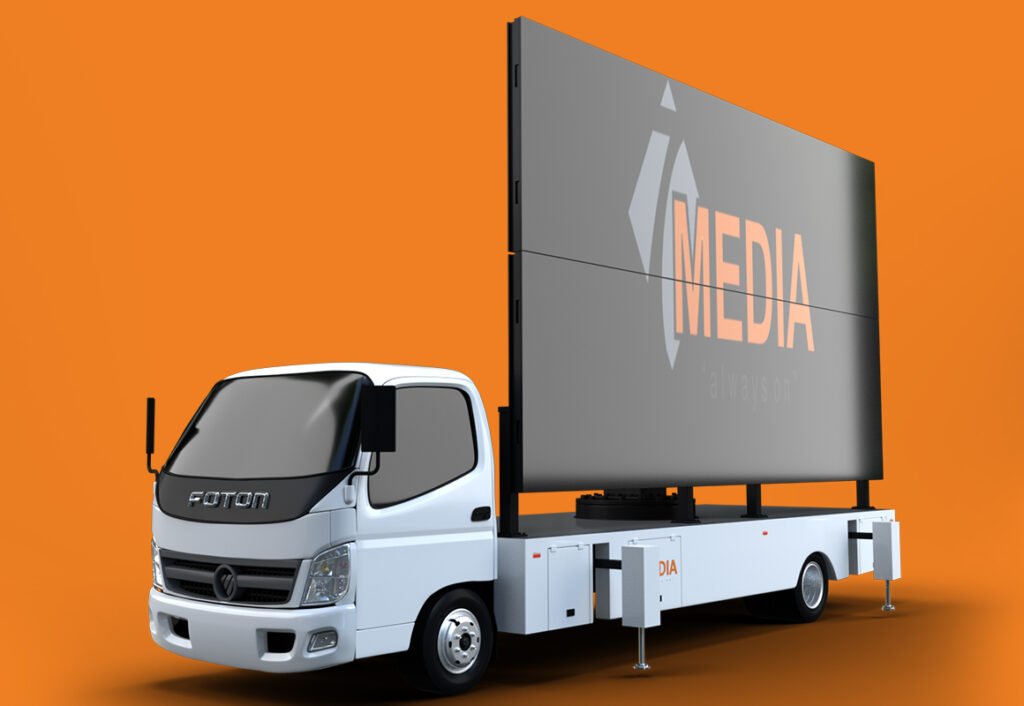
led truck 1

F.A.Q.

Lorem ipsum dolor sit amet.

Lorem ipsum dolor sit amet, consectetur adipiscing elit. Ut elit tellus, luctus nec ullamcorper mattis, pulvinar dapibus leo.
Lorem ipsum dolor sit amet, consectetur adipiscing elit. Ut elit tellus, luctus nec ullamcorper mattis, pulvinar dapibus leo.
Lorem ipsum dolor sit amet, consectetur adipiscing elit. Ut elit tellus, luctus nec ullamcorper mattis, pulvinar dapibus leo.

Lorem ipsum dolor sit amet, consectetur adipiscing elit. Ut elit tellus, luctus nec ullamcorper mattis, pulvinar dapibus leo.
Lorem ipsum dolor sit amet, consectetur adipiscing elit. Ut elit tellus, luctus nec ullamcorper mattis, pulvinar dapibus leo.